

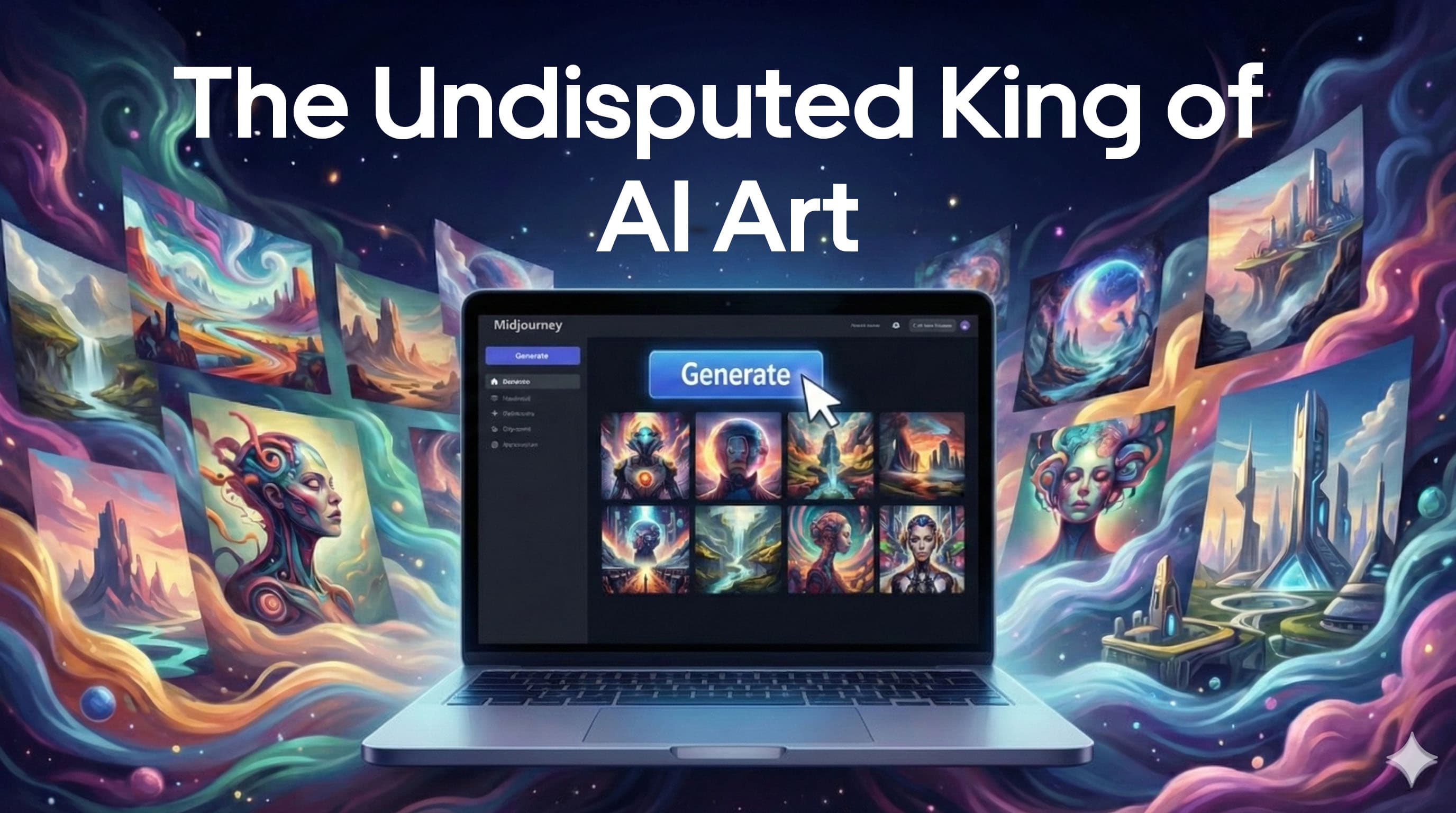
Midjourney Review: The Undisputed King of AI Art
Midjourney is widely considered the undisputed leader for designers and artists seeking the highest level of artistic quality. Unlike tools owned by tech giants, Midjourney is an independent AI research lab famous for generating highly stylized, creative, and often cinematic images.
It is the highly preferred tool among designers, concept artists, and illustrators. It excels at producing painterly, surreal, and atmospheric visuals that often resemble traditional art or high-end photography.
Unlike most other tools, Midjourney's primary home is on Discord, where its massive community of over 20 million members learns and shares work. This community-driven approach makes it unique, though it presents a significant learning curve.
The Workflow: Discord & Commands
The Midjourney experience is unique. You do not interact with a standard web UI; instead, you interact with an AI bot in a Discord chat by typing slash commands (like /imagine) followed by your prompt.
1. Creative Exploration
The workflow is perfect for visual exploration and mood boarding. Once an image is generated, you have access to iterative editing tools:
Pan & Zoom Out: Expand the canvas of your image.
Vary Region: Allows for specific edits within the image.
2. Professional Control Tools
For professional work, Midjourney offers best-in-class tools for consistency:
Character Reference (
-cref): Allows for consistent character designs across different images, ideal for comics and storyboards.Style Reference (
-sref): Blends styles from specific reference images into your generation.
3. Personalization
The system creates Personalization profiles that learn user styles over time, tailoring the output to your aesthetic preferences.
Pros & Cons: The Honest Truth
✅ The Strengths
Unmatched Artistic Quality: Its ability to generate painterly, dramatic, and cinematic realism remains unparalleled in the industry. It has a "soul" that other models lack.
Powerful Creative Controls: The robust
-crefand-sreftools provide professional-level consistency that other tools struggle to match.Strong Community: With 20M+ Discord members, the environment is rich for inspiration and knowledge-sharing.
Commercial Rights: All paid plans include full commercial rights.
❌ The Weaknesses
Clunky Interface: The reliance on Discord is a major hurdle for professional workflows. While an unofficial web alpha exists, there is no official production API or plugins for Figma/Photoshop.
Poor Text Generation: This remains a critical weakness. Unlike DALL-E or Ideogram, Midjourney struggles to render legible text for design applications.
No Free Tier: A paid subscription is required to start ($10/month for the Basic plan).
Privacy Costs: "Stealth Mode" (private generation) is locked behind the expensive Pro/Mega plans ($60+/month).
Legal Risks: Ongoing copyright lawsuits continue to be a concern for corporate users.
Pricing Breakdown
Basic ($10/mo)
This is strictly for hobbyists who generate fewer than ~200 images a month.
The Catch: No "Relax" Mode. This is critical. Once you burn your 3.3 hours of fast GPU time, you are locked out until next month. You cannot switch to a slower mode to keep generating for free.Standard ($30/mo)
This is the plan 90% of users should buy. When you run out of your 15 "Fast" hours, you aren't banned—you just switch to "Relax" mode. You can generate infinite images for free (with a ~1-10 minute wait per image).Pro ($60/mo)
You are paying double strictly for Stealth Mode. On Basic and Standard plans, every image you generate is public in the Midjourney gallery. Anyone can see it and copy your prompt. The Pro plan is the cheapest way to hide your work. You can run 12 concurrent jobs (vs. 3 on Standard). This is huge if you are batch-generating assets.
Best For: Professionals who cannot have their client's unreleased product designs showing up in a public gallery.Mega ($120/mo)
Just a bigger gas tank (60 Fast hours). Only buy this if the Pro plan’s "Fast" hours aren't enough and you hate waiting for "Relax" mode.
Compare pricing plans on the official website
Comparison
Midjourney is no longer the only game in town. Here is how it stacks up against the "Big 3" competitors of 2025:
1. Midjourney vs. Flux.1
Flux.1 (by Black Forest Labs) is the biggest threat to Midjourney right now.
The Truth: Flux is significantly better at photorealism and human anatomy (hands, eyes). It also follows complex instructions much better than Midjourney.
The Verdict: Use Flux if you need hyper-realistic stock photos or complex scenes with perfect adherence. Use Midjourney if you want artistic flair, texture, and "vibes."
2. Midjourney vs. Adobe Firefly
Adobe Firefly is the "safe" choice for enterprise.
The Truth: Firefly is boring compared to Midjourney. It lacks the creative spark. However, it is integrated directly into Photoshop and is commercially safe (trained on licensed Adobe Stock).
The Verdict: If you are at a corporate agency scared of lawsuits, use Firefly. If you want to win awards for creativity, use Midjourney.
3. Midjourney vs. Ideogram
Ideogram has one specific superpower: Typography.
The Truth: Midjourney fails at text. If you ask for a "Neon sign that says OPEN," Midjourney will give you alien gibberish. Ideogram will spell it perfectly every time.
The Verdict: Use Ideogram for logos, t-shirt designs, and posters. Use Midjourney for the background art.
4. Midjourney vs. Stable Diffusion
Stable Diffusion is for power users who have powerful PCs (or use cloud hosts).
The Truth: Stable Diffusion offers ControlNet, which gives you 100% control over pose and composition. Midjourney is a "slot machine"—you pull the lever and hope for the best.
The Verdict: If you are a technical user who needs exact control, learn Stable Diffusion. If you just want beautiful images fast, stick with Midjourney.
Verdict: Is it still #1?
Yes, but only for "Art."
If your goal is to create breathtaking concept art, cinematic shots, or stylized illustrations that feel emotionally resonant, Midjourney is still the King. No other tool matches its texture, lighting, and aesthetic sensibility.
However, if you need coherent text, perfect photorealism, or strict corporate safety, you should look at Ideogram, Flux, or Firefly respectively.