

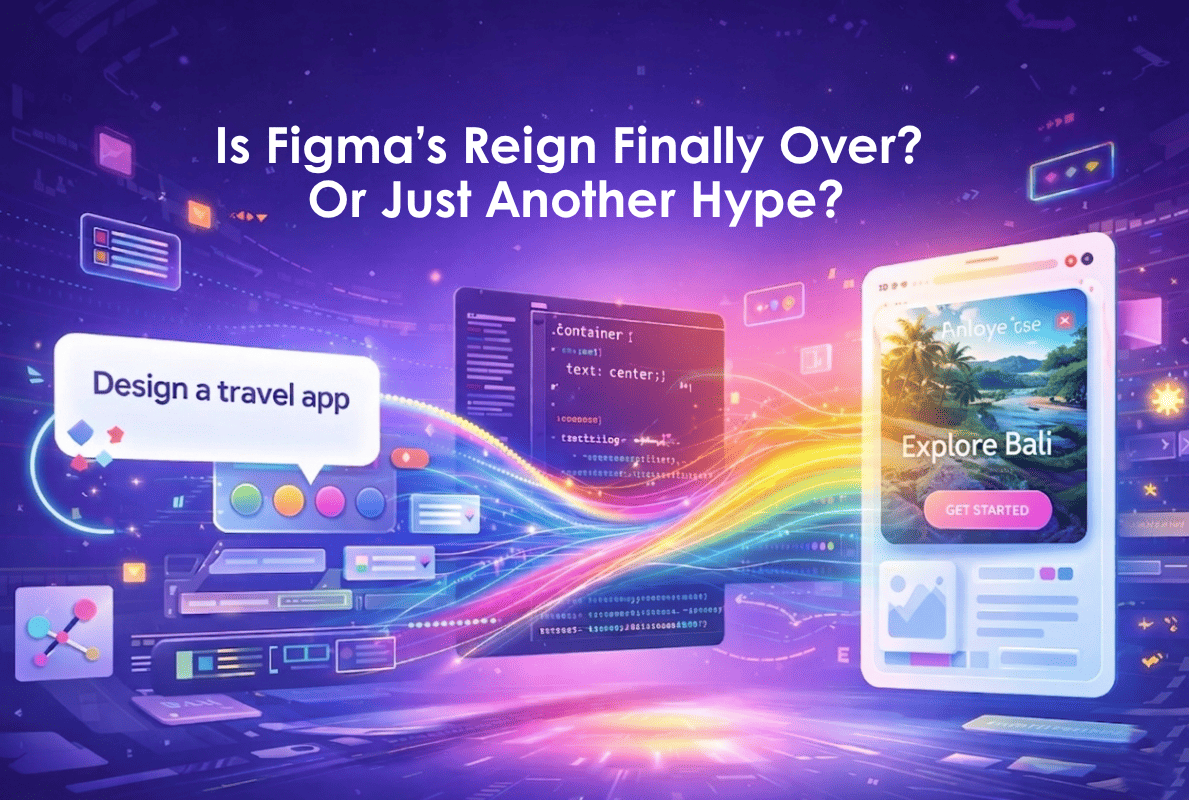
If you’ve been using Figma for a while, you’ve probably already experimented with its AI features generating sections, speeding up layouts, maybe even mocking up quick interfaces from prompts. It’s impressive, no doubt. But even with AI in the loop, you’re still very much inside the traditional workflow: building frames, refining structure, and shaping the design step by step.
Now imagine stepping slightly outside that workflow.
For a Figma user, this changes the equation.
What "Vibe Designing" Actually Means for Your Workflow
Instead of starting with a blank canvas and gradually building up, Stitch compresses the entire “idea → wireframe → polished UI” process into a single step. You are no longer primarily constructing interfaces; you are describing them. Google refers to this as "vibe designing" (or "vibe-coding"), where the focus shifts from arranging components to defining outcomes: what the product does, how it should feel, and how users should move through it.
And it doesn’t stop at visuals. Through integrations with environments like the Antigravity IDE via an MCP server, Stitch carries that intent all the way into implementation, converting structured design metadata into React and Tailwind code almost instantly. The usual friction between design and development starts to disappear.
This isn’t about replacing Figma. It’s about changing its role. Because when generating a full interface becomes this fast, tools like Figma start to feel less like the place where ideas begin and more like where they’re refined.
Workflow & Architecture: How It Actually Works
Under the hood, Stitch fundamentally alters the traditional design process. By utilizing multi-modal generation, meaning it understands plain English, uploaded images/sketches, and voice it instantly outputs multiple high-fidelity variants of your idea.
The AI Canvas & Modes
The Infinite AI Canvas: Say goodbye to the standard, constrained artboard. Stitch gives you an infinite canvas where you can freely dump text, inspiration images, and existing code to give the AI context.
Standard Mode (Prompt-to-UI): Powered by Gemini 2.5 Flash, this is your go-to for fast drafts and lightweight iterations. It beautifully handles prompts like, "Draft a mobile delivery app with a white background, orange accents, and card-style restaurant listings."
Experimental Mode (Image/Sketch-to-UI): Need higher fidelity? Powered by Gemini 2.5 Pro, this mode lets you upload a messy whiteboard napkin sketch, a rough wireframe, or a screenshot of an inspiring app, and Stitch will convert it into a fully editable digital UI. (Note: This mode is slower and comes with lower generation limits).
Voice Canvas (Real-Time Iteration): Thanks to Gemini Live, developers can speak directly to the canvas. You can literally say, "Change this to a dark theme and give me three different navigation layouts," and watch the UI update in real-time. The agent will even interview you about your product goals to build a landing page from scratch!
Agents & Design Rules
Design Agent & Agent Manager: Think of this as having a design historian on staff. It tracks your entire project history, allowing you to branch out and test parallel ideas simultaneously without losing your original state. You can simply chat with the agent to iterate (e.g., "make the CTA bigger and add review stars").
DESIGN.md & Portable Rules: To keep your brand consistent, Stitch uses an agent-friendly markdown file format called
DESIGN.md. You can extract a design system from any URL or use this file to export and import design rules across different tools meaning you never have to reinvent the wheel.Style and Theme Control: You have total control over theme settings (light/dark, color palettes), prompt-driven styling ("make it modern, clean, and blue-accented"), and visual matching via reference images.
Code Export & Prototyping
Code Generation: Stitch doesn't just hand you a flat image. It generates clean HTML, Tailwind-class-based CSS, and TypeScript/JSX/React-style components that are ready to run immediately. You can even use Agent Skills like "React Components" for token-driven code.
Instant Prototyping: Click "Play," and your static designs instantly become clickable flows. Stitch cleverly generates the logical next screens based on user clicks, effortlessly mapping out user journeys.
Ecosystem Integration: It features an MCP server and TypeScript SDK for Google AI Studio, linking directly to elite coding assistants like Antigravity, Gemini CLI, Claude Code, or Cursor.
Figma Export: Prefer to finish your work in Figma? Seamless copy-pasting directly exports your designs with Auto Layout and editable layers fully preserved via an official plugin.
The Reality Check: Who Is This Actually For?
Because Stitch strongly reasons about your intent, inferring flows like homepage → menu → cart → checkout rather than just matching keywords it serves as an incredible "design + dev starter kit."
Highly Recommended For:
Solo Developers & Technical Founders: Bypass hiring a UI designer and generate a modern React front-end for a Next.js 15 architecture in minutes.
Founders & PMs (Rapid MVP Validation): Go from a prompt to an investor-ready prototype in 5–10 minutes. The instant "Play" feature is invaluable for securing stakeholder buy-in before you write a single line of backend logic.
Indie Hackers & Agencies: Generate instant client mocks or landing pages, effectively cutting $5k–$15k design fees down to near zero.
Professional Designers & Dev Teams: Designers can use it for rapid ideation and divergence, while dev teams will love the clean UI code export to ship features faster.
Non-Designers: Perfect for building early-stage, exploratory, or non-mission-critical internal tools and MVPs.
Not Recommended For (Avoid If):
Enterprise Design Teams: If you have mature Figma systems requiring strict component libraries, deep design ops, collaboration workflows, and token-level governance, Stitch isn't quite ready for you.
Complex UX: Interfaces requiring heavy interaction logic, complex state machines, or custom accessibility-level polish still need traditional tools.
Strict Data Privacy: If you absolutely cannot have your UI concepts processed through Google’s cloud, you will need to look elsewhere.
The Honest Breakdown: Strengths and Weaknesses
✅ The Strengths
Unrivaled Speed from 0-to-1: It compresses hours of tedious wireframing into a 30-second voice prompt, fundamentally changing how we ideate.
Developer-First Handoff: Flawless MCP integration with tools like Cursor and Gemini CLI, offering robust export paths (HTML, Tailwind, React, Figma).
Figma Integration: Seamlessly exports prompt-generated designs into Figma with layers and Auto Layout fully preserved.
Vibe Design & Voice: Exploring ideas via real-time voice critiques is a game-changer. Just tell it to make the app feel "premium and minimalist, like Stripe" and watch it work.
Actionable Idea Exploration: Built for divergence first and polish second, generating code you can actually copy and use today.
❌ The Weaknesses
The "Sameness" Trap: Relying on an LLM to "vibe design" often results in mathematically average, safe aesthetics. Without highly specific prompting, your app might look like a generic SaaS template, requiring manual refinement of spacing, hierarchy, and brand-specific touches.
Needs Human Polish: Stitch is great at UI (how things look) but struggles with deep UX (how things work in edge cases). You still need a human adult in the room to review product logic, copy quality, and accessibility.
Figma Export Limitations: While standard text-to-UI designs export beautifully to Figma, designs generated via the Experimental Mode (image/sketch uploads) currently lack this capability.
Quality & Control Issues: You might encounter wonky paddings, uneven alignments, or color-contrast issues. Fine-tuning exact grid-gap values purely inside Stitch is frustrating; you'll want to take it to code-level or Figma editing for that.
Beta Instability & Flow Limits: Multi-screen flows tend to break past 5 screens, and there are no animations, micro-interactions, or advanced prototype logic. Furthermore, the platform can suffer from early-beta crashiness, generation caps, lack of real-time team collaboration features, and inconsistent outputs/slow responses in Experimental mode.
How it Compares to Other Tools
vs. Figma (and Figma Make) This is a symbiotic relationship, not a direct replacement. Stitch destroys Figma on speed and cost for initial ideation (taking minutes to learn), while Figma wins on precision, version history, collaboration, and enterprise features (taking weeks to learn). Stitch is more creative and idea-first ("let’s generate 5 homepage concepts in 10 minutes"), while Figma gives pixel-level control and robust design systems. Figma Make is part of a full product design stack (Dev Mode, Sites, Supabase connections), whereas Stitch is narrower, faster at raw prompt-to-UI, and more experimental.
vs. v0 by Vercel v0 is Stitch's most direct competitor for developers. v0 is deeply entrenched in the Next.js/shadcn ecosystem, outputs slightly cleaner component code, and is more app-building oriented (live prototypes, backend connections, 1-click deploy). However, Stitch wins decisively on the design front due to its infinite canvas, image-to-UI capabilities, and Voice interaction.
Verdict: If your goal is shipping an app, v0 is the more complete builder. If your goal is exploring interface concepts and UI direction, Stitch is the better design sketch partner.
vs. Uizard / Visily / UX Pilot Stitch has better Google integration, cleaner code export, voice functionality, and a zero price tag, appearing more ambitious on code handoff and higher-fidelity design. Conversely, Uizard and others often feel more consistent for multi-screen flows and structured editing, heavily emphasizing quick wireframes and hand-drawn sketch scanning for lightweight teams. Stitch currently looks like the more advanced but less mature option.
Final Verdict
If you are building modern web applications and want to move from a raw idea to a functional React prototype by the end of your lunch break, Stitch is currently the most powerful ideation engine on the market.
Just remember to use it as a powerful accelerator, not a misleading shiny object. Use Stitch when you need fast interface ideation or as an AI-assisted bridge into your code. Do not use it as your only design system, collaboration layer, or production handoff tool.
Pro Tip: Embrace the hybrid workflow! Use Stitch for rapid generation, and then take it into Figma or AI Studio for that final, human polish. And always test it heavily before relying on it for strict client deadlines.