

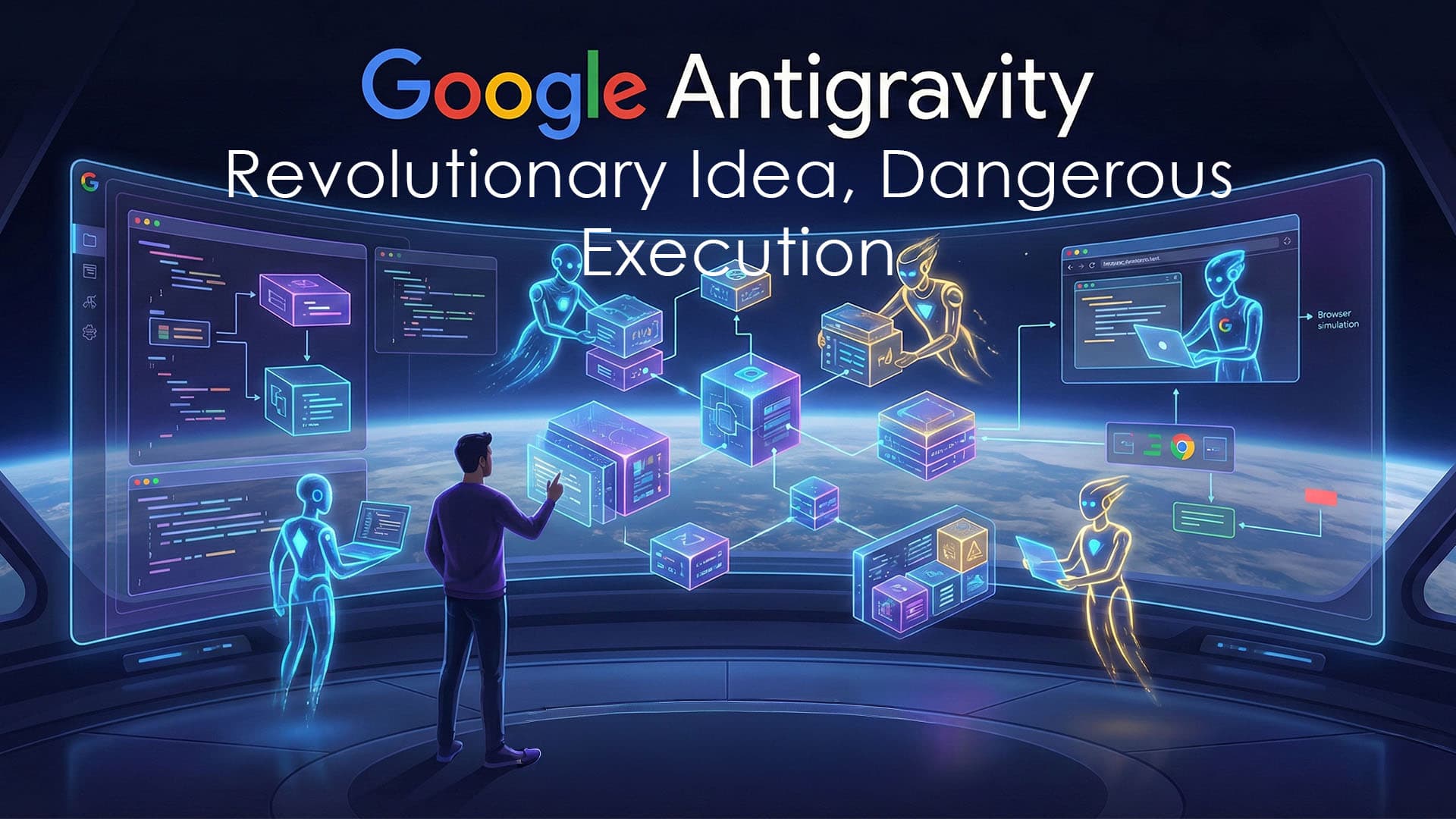
Google Antigravity Review: Revolutionary Idea, Dangerous Execution
Google Antigravity is a genuinely revolutionary AI‑powered Integrated Development Environment (IDE) that rethinks how developers work but it is also a tool that has literally deleted users' entire hard drives.
Unlike traditional AI assistants (like Cursor or Copilot) that simply suggest code, Antigravity is an "agent‑first" platform. It is designed to let autonomous agents plan, write, execute, test, and verify complex software workflows.
While it excels at rapid prototyping and multi‑agent parallel workflows, it remains a "late‑2025 preview" product plagued by bugs, stalls, and severe stability issues. It is a tool for developers who want to experiment with the future of coding, but it is not for mission‑critical production environments or projects with sensitive data.
The Workflow: Agent‑First Architecture
The platform is built on a cross‑platform VS Code‑inspired foundation, featuring standard syntax highlighting and inline commands (Cmd + I). However, the workflow is radically different.
1. The Agent Manager
Instead of a single chat window, you have the Agent Manager. You can dispatch up to five different agents simultaneously to work on distinct tasks (e.g., one designs the UI while another implements the backend).
Stateful Memory: Agents maintain rich context within a workspace and across artifact history, so they can stay consistent with project conventions.
Artifacts: Agents generate "Artifacts"—task lists, roadmaps, implementation plans, screenshots, and code diffs—that you verify before code is written.
2. The Browser Agent
This is the standout feature. Unlike "blind" AI tools, Antigravity features a headless Chrome browser.
Visual Verification: The agent writes the code, spins up localhost, opens the page, and visually verifies the result (e.g., checking if a button is actually blue).
Walkthroughs: When finished, it presents a walkthrough of how the final product works, including end‑to‑end flows.
3. Supported Models
You have the flexibility to leverage different AI backends, including:
Gemini 3 Pro, Gemini 3 Deep Think, and Gemini 3 Flash (with context windows up to ~1M tokens to "read" entire repos).
GPT‑OSS variants.
Claude Sonnet‑class models (via MCP servers or external configuration).
Core Use Cases
Extreme Prototyping: Rapidly scaffolding features from prompts. In one notable example, a user created a 3D‑animated UI in a single prompt.
Maintenance: Agents can diagnose complex issues, such as debugging Supabase setups, generating tests, and fixing code automatically.
Learning: Beginners can watch agents break down complex tasks into manageable components.
⚠️ Critical Safety Warning: The "Ticking Time Bomb"
Independent reporting has revealed real‑world consequences of agent autonomy gone wrong. Read this before installing.
The "D: Drive" Incident: In one widely shared incident, Antigravity’s AI mistakenly deleted a developer’s entire D: drive due to a misinterpreted command.
Turbo Mode Risk: Incident analysis indicates the catastrophic deletion happened while Antigravity executed terminal commands with elevated autonomy, bypassing human confirmation, in a high‑aggression execution mode often described as “turbo‑style.” Users widely advise disabling any mode that lets agents run shell commands without explicit confirmation.
Shredded Undo History: Because agents spam dozens of micro‑edits, the undo history can be "shredded." Instead of a clean rollback, you often get a chaotic time‑lapse of code dying in reverse. The only escape is often git reset --hard.
Security: Antigravity’s interface and MCP implementation bear a strong resemblance to Windsurf, and some early users have criticized Antigravity for shipping with quirks and MCP glitches reminiscent of Windsurf’s early builds. However, there is no public technical audit proving that specific Windsurf security vulnerabilities have been carried over unchanged.
Safety Protocol: If you must use it, run it in a Sandbox/VM (never on your main machine), disable aggressive execution modes, and commit to git after every successful change.
Pros & Cons: The Honest Truth
✅ The Strengths
Agent Autonomy: It executes tasks across tools (browser, terminal, editor), not just within the code file.
Visual Debugging: The headless browser catches UI bugs that text‑based AIs miss.
Parallel Orchestration: Running multi‑agent workflows (up to 5) simultaneously is a massive productivity booster for scaffolding.
Context Window: Gemini 3 Pro's ~1M context allows it to digest entire repositories and documentation sets.
Free Preview: Antigravity is currently available as a free public preview IDE, with no separate per‑usage billing, though Google labels it as a preview and may change pricing as it matures.
❌ The Weaknesses
Risky Autonomy: Real incidents of data loss and drive deletion make it dangerous for casual use.
Immature & Buggy: The preview is plagued by crashes, tool‑call failures, and occasional corrupted edits when agents attempt large automated refactors, sometimes leaving files in inconsistent states that are hard to undo cleanly.
Over‑Automation: Agents often ignore user input, fail to ask clarifying questions, and have poor instruction adherence.
Performance: It can be slow (even on the Flash model), and rate limits exhaust quickly. The Opus model is noted to underperform.
Sync Issues: Paid features (Pro/Ultra) do not always sync correctly across devices.
Antigravity vs. The Competition
Antigravity vs. Cursor
The Verdict: Cursor wins on performance, precision, and battle‑tested stability (plus offline mode). Antigravity currently offers more visible, first‑class MCP integration and a curated MCP ecosystem, whereas Cursor’s MCP story is still more limited or requires extra setup.
Antigravity vs. Windsurf
The Verdict: Both tools share UI and MCP similarities, but Windsurf has a gentler learning curve and fewer catastrophic bugs. Antigravity pushes the envelope further with the built‑in browser agent but is significantly less stable.
Antigravity vs. Claude Code
The Verdict: Claude Code is a more mature coding agent with a better security history and terminal‑native approach. Antigravity offers the full IDE experience with visual agent management.
Verdict
Google Antigravity is one of the most ambitious AI development tools ever released. Its ability to create "Artifacts," integrate a headless browser, and orchestrate parallel agents makes it a potential disruptor for "vibe coding."
However, it is currently unreliable for serious work. The risk of data loss, the "shredded" undo history, and severe bugs make it unsuitable for mission‑critical production environments.
Final Advice: Test it for free to see the future of coding, but back up everything, use a sandbox, and stick to Cursor if you need stability today.