

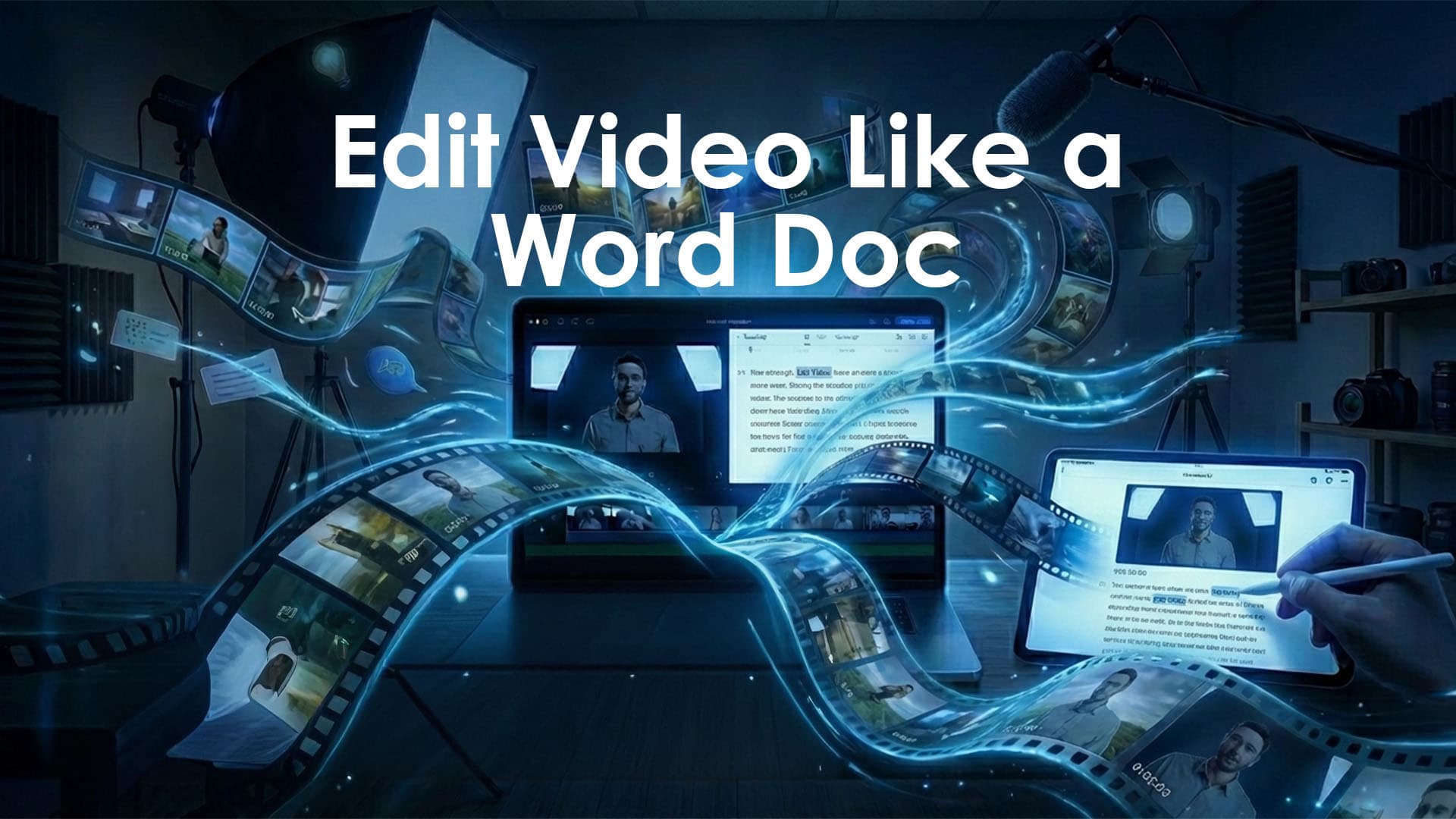
Descript Review: Edit Video Like a Word Doc
If you are tired of complex, slow traditional video editing timelines, Descript can be a game-changer. Unlike traditional editors, Descript’s all-in-one audio and video editor is built around a novel text-based interface.
It allows you to edit video simply by editing the text transcript. This makes it the perfect tool for podcasters, marketers, sales teams, and corporate trainers who produce dialogue-driven content.
While it is not designed to replace high-end tools for 60fps action footage or complex color grading, Descript opens the door for non-editors to produce professional-looking content with unparalleled speed.
The Workflow: Brilliantly Simple
The workflow of Descript is unique. When you import any audio or video file, Descript automatically transcribes the speech. From there, you edit the transcript just like a Word document.
Edit Text, Edit Video: If you want to cut a section, you simply select the text and delete it. This instantly cuts that piece of video and audio from the timeline.
Collaboration: Projects are cloud-based. You can send a link to team members who can drop comments directly onto the transcript (Google Docs style).
Timeline: A simplified timeline allows you to add B-roll, titles, and transitions, while a second video viewer lets you inspect edits in real time.
The AI Toolkit
Descript is packed with AI tools designed to fix common recording issues:
Studio Sound: A one-click feature that provides "studio quality" noise reduction and voice enhancement.
Overdub (Ver 3.0): Create an AI clone of your voice. If you misspeak, just type the correct word, and Overdub generates it in your voice. Uniquely, the "Regenerate" feature works with Overdub 3.0 to alter mouth movements to match the new audio.
Filler Word Removal: Automatically finds and deletes "ums" and "ahs" with a single click.
Video Face Correction: Simulates Eye Contact (staring at the camera) and "Face Zoom."
Background Removal: A virtual green screen tool that removes backgrounds without a physical screen.
AI Video Generation: Create 5-second custom animated clips directly from script prompts (Paid plans only).
New: Underlord AI Co-editor
Now out of beta, Underlord is Descript's powerful AI assistant. It automates tedious tasks, handles layer management, and supports AI templates for social clips.
Season 6 (2025) Update: Now adds Gemini 3 model support and multi-select layers for faster workflows.
Pros & Cons: The Honest Truth
✅ The Strengths
Text-Based Editing: It drastically simplifies the editing process for anyone working with dialogue.
Shallow Learning Curve: Very approachable for beginners and non-technical users.
Excellent Audio Tools: "Studio Sound" rivals paid plugins, and "Overdub" saves incredible amounts of time by avoiding re-recording.
Promising AI: Underlord shows a path toward even faster editing with automated workflows and AI templates.
❌ The Weaknesses
Unstable on Large Files: The platform can be "unreliable." Users report frequent crashes and freezes, especially with longer files or complex projects.
Confusing & Expensive AI Credits: AI features run on a credit model that does not roll over.
Top-up costs: 350 credits ($35), 1,000 credits ($80), 4,000 credits ($200).
The Risk: Usage varies by model, and heavy users find credits run out quickly, making the cost surprisingly high.
Lacks Professional Tools: It has no advanced color grading or VFX tools for cinematic editing. The timeline can feel "clunky" for precise, multi-layered visual edits.
Who is it NOT for?
Users needing 100% stability: If crashes are a dealbreaker, be learned.
Complex Projects: It is not for multi-layered visual effects.
Budget-Conscious Creators: The AI credit model can become expensive.
Legal, Licensing & Privacy
Commercial Use: Fully allowed on all paid plans.
Ownership: You retain ownership of all created content.
Overdub Ethics: Restrictions are in place to prevent unauthorized voice cloning.
Privacy: Transcripts and media are processed by Descript. Users should review the Terms of Service regarding data usage for model training.
Descript vs. Adobe Premiere Pro
Adobe Premiere Pro: Gives you professional control, color grading, multicam, and polished delivery. The real power is in the timeline.
Descript: If you value speed, clean audio, and want to edit video like a document, Descript is the way to go.